Unbroken Code
A supercharged fork of Visual Studio Code, meticulously enhanced for C++ developers and everyone else who are tired of waiting for patches that somehow never quite make it upstream.
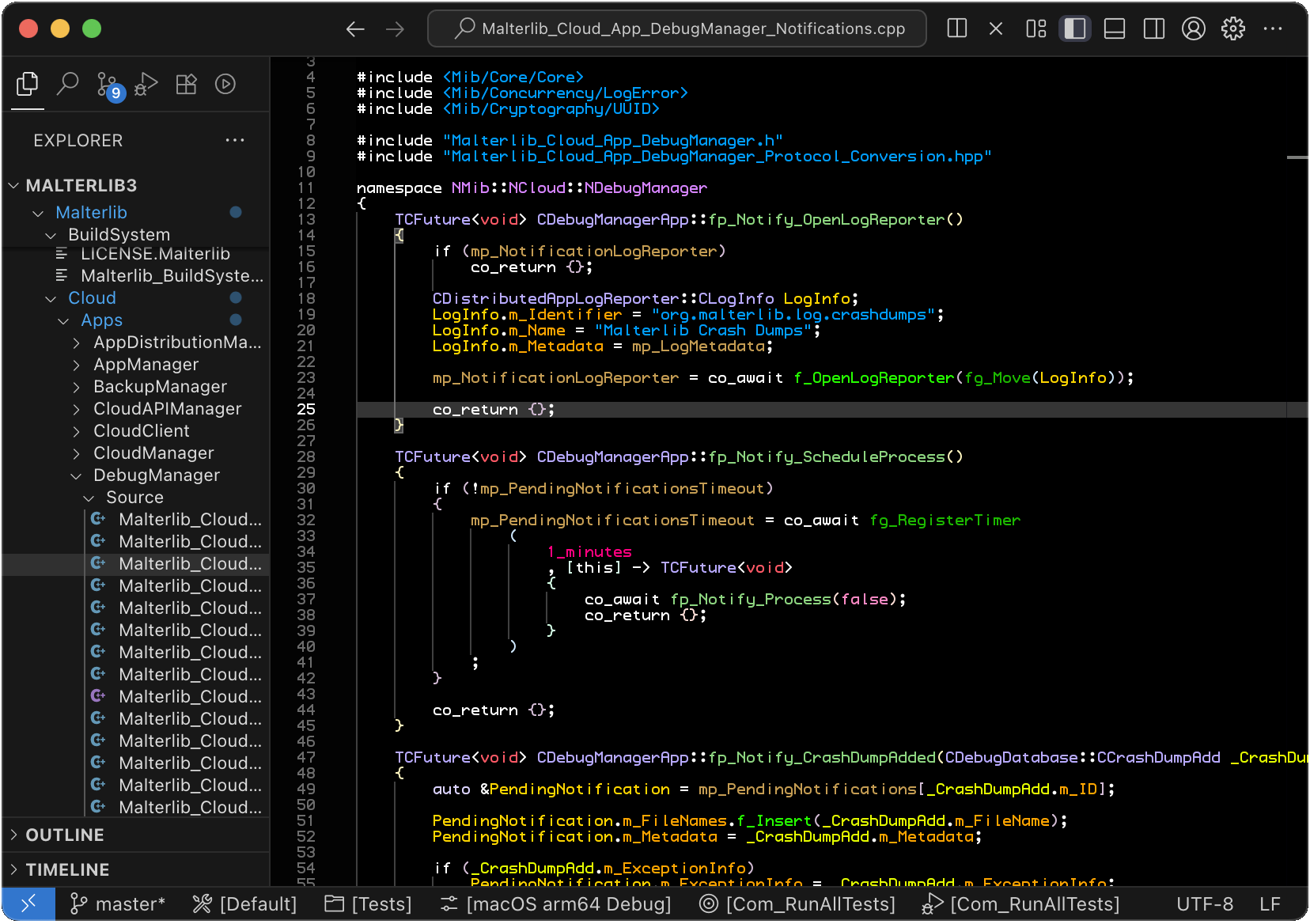
Productivity unleashed
- Smart problem navigation — actually remembers where you were when problems disappear, with automatic synchronization between marker navigation and the problems panel
- Sequential problem output — problems appear in the order they occur (revolutionary, right?)
- Silent find commands — navigate search matches without opening the find widget for a cleaner, less intrusive search experience
- External Git UI integration — seamlessly launch Sublime Merge, Sourcetree, GitKraken, Tower, or GitHub Desktop directly from the editor with commands for repository, file history, line history, and blame views
- Git repository filtering — hide unchanged repos because clutter is the enemy
- File explorer leaf navigation — jump directly to next/previous file, skipping folders, with optional auto-expand for seamless tree traversal
- More items in title bar — use that space for something useful
Developer experience first
- Telemetry off by default — your code is your business
- Open VSX marketplace — freedom of choice in extensions
- Extension quarantine — automatic protection against supply chain attacks by quarantining newly released extension versions (default: 7 days, configurable)
- GitHub Copilot Chat bundled — integrated AI-assisted development out of the box
- Compatible
codecommand — works with all your existing tools and workflows isUnbrokencontext key — create custom keybindings specific to Unbroken Code, useful when switching between editors
Clean, efficient interface
Every pixel counts.
- Minimal layout by default — less chrome, more code
- Problems panel in primary sidebar — updated rendering that prioritizes the error message, making the sidebar location feasible
- Cleaner centered layout — actually centers on screen instead of in editor window, and uses all available space to the right
- Smaller error squiggles — see your actual code, not just red lines
Better editor experience
- Enhanced color space control — for syntax highlighting and all themed colors. Your eyes will thank you.
- Smart inlay hints — defaults to "offUnlessPressed" mode, shown only when holding Ctrl/Cmd
- Optimized underline positioning — pixel-perfect at any zoom level
C++ superpowers
- C++ extensions bundled — enhanced versions of ClangD and CodeLLDB ship by default, because why wouldn't you want this?
- Malterlib extension bundled
- Advanced problem matchers — categorized sub-problems so build errors finally make sense
